
Newsletter Subscribe
Enter your email address below and subscribe to our newsletter

Remix OS || RemixOS || RemixOS for Pi || RemixOS VirtualBox || RemixOS on AMD || RemixOS PC || Remix OS
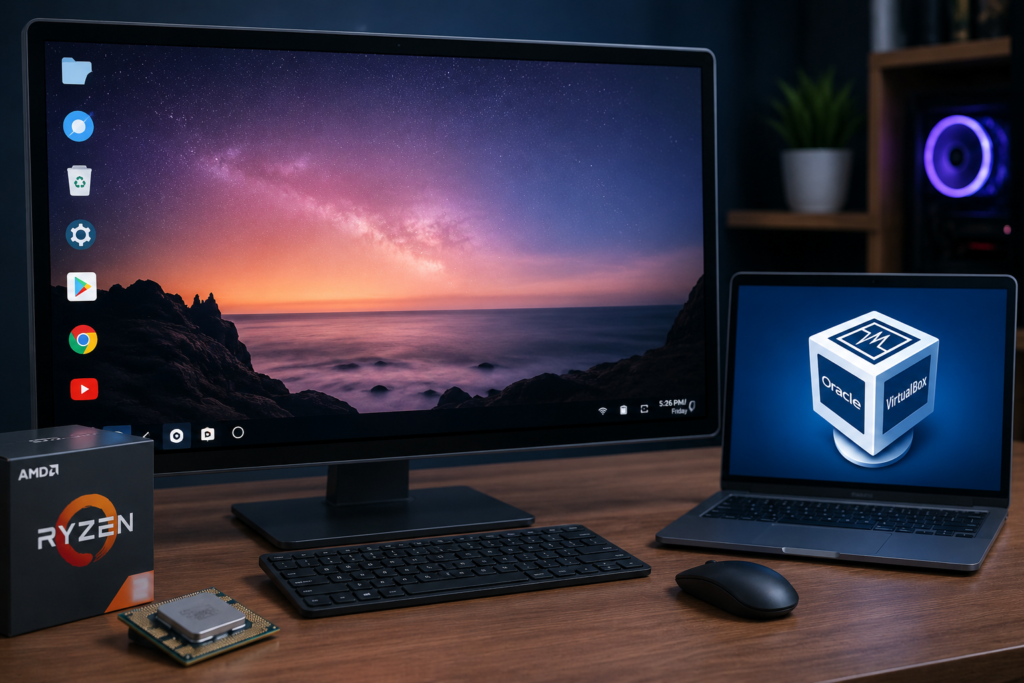
Remix OS, also written as RemixOS, was an Android-based operating system developed by Jide Technology. It brought Android applications to desktop and laptop computers through a PC-style interface with resizable windows, a taskbar, file management tools, and mouse-and-keyboard support.
Remix OS was based on the Android-x86 project and supported x86 and x86-64 computers. Jide released different editions for PCs and ARM-based devices, but consumer development ended in July 2017. The final PC release was Remix OS 3.0.207, published in November 2016. Remix OS is now unsupported, so it is mainly useful for testing, retro-computing projects, or learning how Android desktop systems worked.
Remix OS was designed to provide an Android experience suitable for a computer screen. Standard Android normally focuses on touch controls, while RemixOS added several desktop-style functions.
Its interface included:
These features made Remix OS for PC different from a standard Android tablet interface. It allowed many Android applications to operate inside separate windows, creating an experience closer to Windows, Linux, or ChromeOS.
Jide discontinued Remix OS and its consumer products in 2017 after shifting its focus toward enterprise solutions. The original www.jide.com/remixos for PC download page is no longer a reliable official source for active software support.
Old Remix OS installation files may still appear on software archives, forums, torrents, and third-party websites. These files should be treated carefully because the operating system no longer receives security updates, compatibility fixes, or official technical support.
Avoid using Remix OS for banking, confidential accounts, business data, or other sensitive activities. An unsupported operating system may contain unpatched vulnerabilities and outdated Android components.
Hardware compatibility varies because Remix OS was released for older x86-based computers. A typical installation requires:
More RAM and faster storage can improve performance. Driver support remains the biggest limitation because newer graphics cards, wireless adapters, and chipsets were released after Remix OS development ended.
Back up personal files before changing partitions, boot settings, or operating systems. An incorrect installation step can damage the existing bootloader or make another operating system temporarily inaccessible.
A standard Remix OS installation package originally included the operating-system image and a Remix OS USB Installer. Archived packages may differ, so users should verify file names, checksums, and source reputation before opening them.
Connect a suitable USB drive and open the Remix OS USB Installer. Select the downloaded ISO file, choose the correct USB drive, and begin the writing process.
All existing data on the selected USB drive may be erased. Confirm the correct drive before starting.
Restart the computer and open its boot menu or firmware settings. Common keys include F2, F10, F12, Delete, or Esc.
Set the USB device as the temporary boot source. Secure Boot may need to be disabled on some systems because old Remix OS builds may not support it correctly.
Remix OS commonly provided two operating modes:
Guest Mode allowed temporary use without permanently saving most changes. It was suitable for basic testing.
Resident Mode attempted to save applications, settings, and user data on the selected storage device. It required more free space and faster storage for acceptable performance.
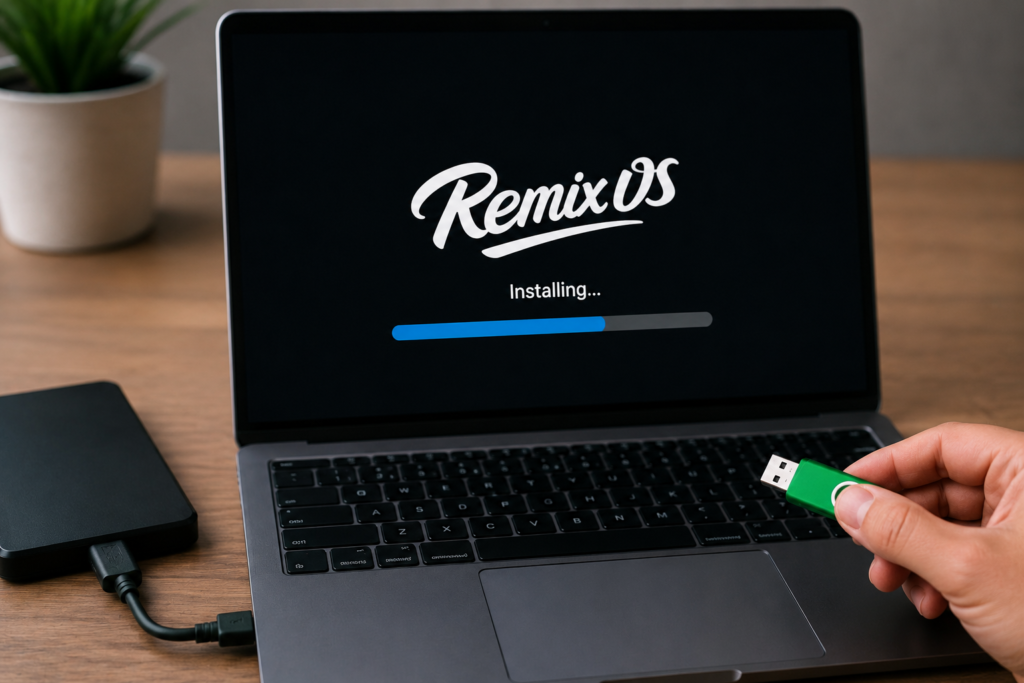
Remix OS: Installation Guide, Features, VirtualBox Setup, AMD Support, and Common Problems
Installing RemixOS on an internal drive could provide better speed than running it from a USB device. However, hard-drive installation involved greater risk because it could modify disk partitions and boot settings.
A typical dual-boot installation required:
Installation methods differed between releases, BIOS configurations, and user-created tools. A recovery USB for the existing operating system should be prepared before attempting a dual-boot setup.
RemixOS VirtualBox installation allows the operating system to run inside a virtual machine rather than replacing or modifying the main operating system.
Create a new virtual machine and select Linux as the general operating-system type. Assign sufficient RAM and create a virtual hard disk. Mount the Remix OS ISO file as a virtual optical disc and start the machine.
Suitable starting settings include:
VirtualBox performance may be limited because Remix OS was not designed primarily for modern virtual-machine environments. Graphics acceleration, sound, network access, screen resolution, and mouse integration may not work perfectly.
RemixOS on AMD hardware can work when the processor supports the required x86 instructions and virtualization features. Compatibility depends on the specific processor, motherboard, graphics hardware, and Remix OS build.
Common AMD-related problems include:
Enabling AMD-V in the BIOS can improve virtual-machine support. Older or unsupported AMD graphics hardware may require alternative boot parameters, but no single setting works for every computer.
Searches for RemixOS for Pi usually refer to attempts to run the system on ARM-based single-board computers. Remix OS had ARM editions for selected devices, but the normal Remix OS for PC x86 image cannot be installed directly on a Raspberry Pi.
The Raspberry Pi uses ARM architecture, while standard Remix OS PC builds target x86 or x86-64 hardware. A device-specific ARM image, kernel, drivers, and boot configuration would be required.
Unofficial ports discussed in community forums should not be considered universal Raspberry Pi releases. Compatibility may be incomplete, and features such as Wi-Fi, Bluetooth, audio, hardware video decoding, and GPIO access may fail.
HDMI output depends on graphics-driver and device compatibility. On standard PCs, Remix OS may detect a monitor connected through HDMI, but audio output, resolution selection, scaling, or multi-monitor support may not function correctly.
Remix hardware products such as the Remix Mini included HDMI connectivity. Unsupported PCs and unofficial ARM installations can produce a black screen or incorrect resolution because the required display driver is missing.
Remix OS Player, also searched as remixos-player, was a Windows-based Android emulator created by Jide. It allowed Android applications and games to run without installing Remix OS as the computer’s main operating system.
Remix OS Player and Remix OS for PC were separate products:
The player depended on hardware virtualization and compatible system drivers. It is also discontinued and should not be treated as a current Android emulator.
Discussions about Remix OS Player on Reddit and technology forums may contain useful historical troubleshooting advice. However, download links from old comments can be expired, modified, or unsafe.
Remix OS was based on Android-x86 but focused more heavily on desktop usability.
Remix OS provided a polished desktop interface, application windows, a taskbar, and Jide-specific tools. Much of the complete product was not released as fully open-source software.
Android-x86 focuses on porting Android to x86 computers. It has continued as an independent open-source project and is not the same product as Remix OS.
Remix OS offered a more integrated desktop design, while Android-x86 provided a more direct Android port with broader community development. Jide’s partnership with the Android-x86 project did not replace or absorb the independent project.
A damaged or incomplete image can prevent booting. Compare its checksum with a trusted archive record where available.
Write the image again and try another USB port. Older computers may work better with a USB 2.0 port than a USB 3.0 port.
Old Remix OS builds may not boot while Secure Boot is enabled.
A BIOS installation may fail under UEFI-only settings, while a UEFI image may not work correctly in Legacy mode.
Intel VT-x or AMD-V should be enabled when using Remix OS Player or VirtualBox.
A black screen can indicate unsupported graphics hardware. Basic graphics or alternative boot options may help on some systems.
Disconnect additional USB hardware, external displays, and storage devices during initial testing.
A Remix OS torrent may appear to offer faster access to an old installation image, but torrent files do not guarantee authenticity. A modified image can contain malware, unwanted software, or altered system components.
Use a reputable software archive, verify checksums when possible, and scan downloaded files before opening them. Never assume a file is safe because its name includes “official,” “Jide,” or “latest version.”
Searches for Remix OS XDA commonly lead to installation tutorials, custom builds, boot fixes, and device-specific discussions. Forum posts can help identify historical compatibility problems, but older instructions may no longer match current computers or virtualization software.
Check the publication date, supported build number, processor architecture, and device model before applying any command or boot modification.
Since Remix OS is no longer maintained, an actively supported alternative is usually safer for regular use. Possible Android-on-PC options include:
The best option depends on whether the goal is gaming, application testing, running Android on old hardware, or creating a complete desktop environment.
Remix OS transformed Android into a desktop-style operating system with application windows, a taskbar, file management, and keyboard-and-mouse controls. It supported many x86 and x86-64 computers and could be tested through a USB drive, installed on a hard disk, or used inside VirtualBox.
RemixOS was officially discontinued in 2017, and its final PC release is outdated. Hardware compatibility, security, driver support, and boot failures remain major concerns. Archived copies are suitable for controlled testing or historical interest, but an actively maintained operating system is a better choice for everyday computing.
Remix OS is a discontinued Android-based desktop operating system developed by Jide Technology for x86, x86-64, and selected ARM devices.
No. Jide ended consumer development and official support in 2017.
Yes, older Remix OS for PC builds were designed for compatible Intel and AMD x86 computers.
It can run in VirtualBox, but graphics, sound, networking, resolution, and performance may vary.
Some AMD processors are compatible, but success depends on the processor, graphics hardware, motherboard, and selected Remix OS build.
The normal x86 PC image cannot run directly on a Raspberry Pi. A compatible device-specific ARM port would be required.
Possible causes include Secure Boot, incorrect BIOS or UEFI mode, a damaged ISO, unsupported graphics hardware, or an incorrectly created USB drive.
Remix OS Player was Jide’s Android emulator for Windows. It ran Android applications without replacing the main operating system.
No. Remix OS was based on Android-x86 but added Jide’s own desktop interface and features. Android-x86 remains a separate project.
Safety cannot be guaranteed. Old torrent files may be modified or infected, so archived images should be verified and scanned before use.